
How to Generate Text PDFs Using PHP Without Third-Party Libraries
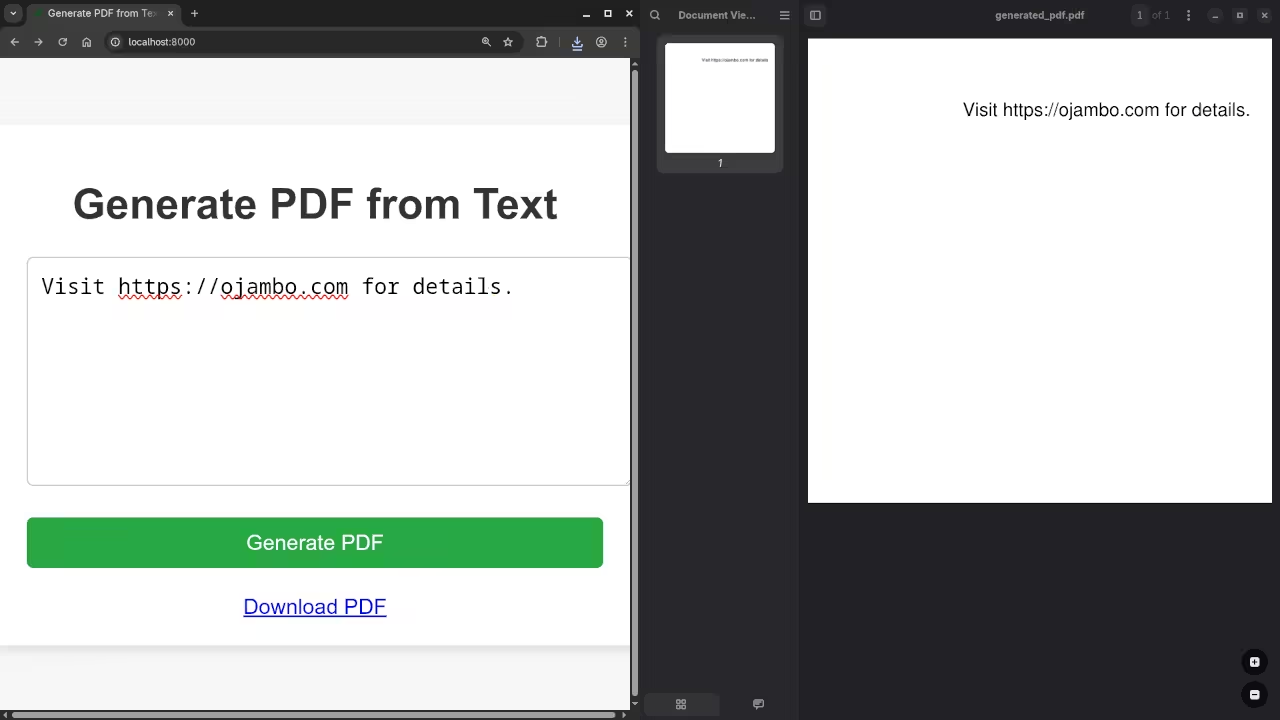
In this tutorial, we will walk through how to generate PDF files with simple text using PHP without any external libraries, and we will also create a styled HTML5 form that allows you to input text and generate a PDF. This tutorial will show you how to:
- Build a form to accept text input.
- Use PHP to generate a PDF from the input text.
- Provide a download link for the generated PDF using Fetch API.
Step 1: Create the HTML Form
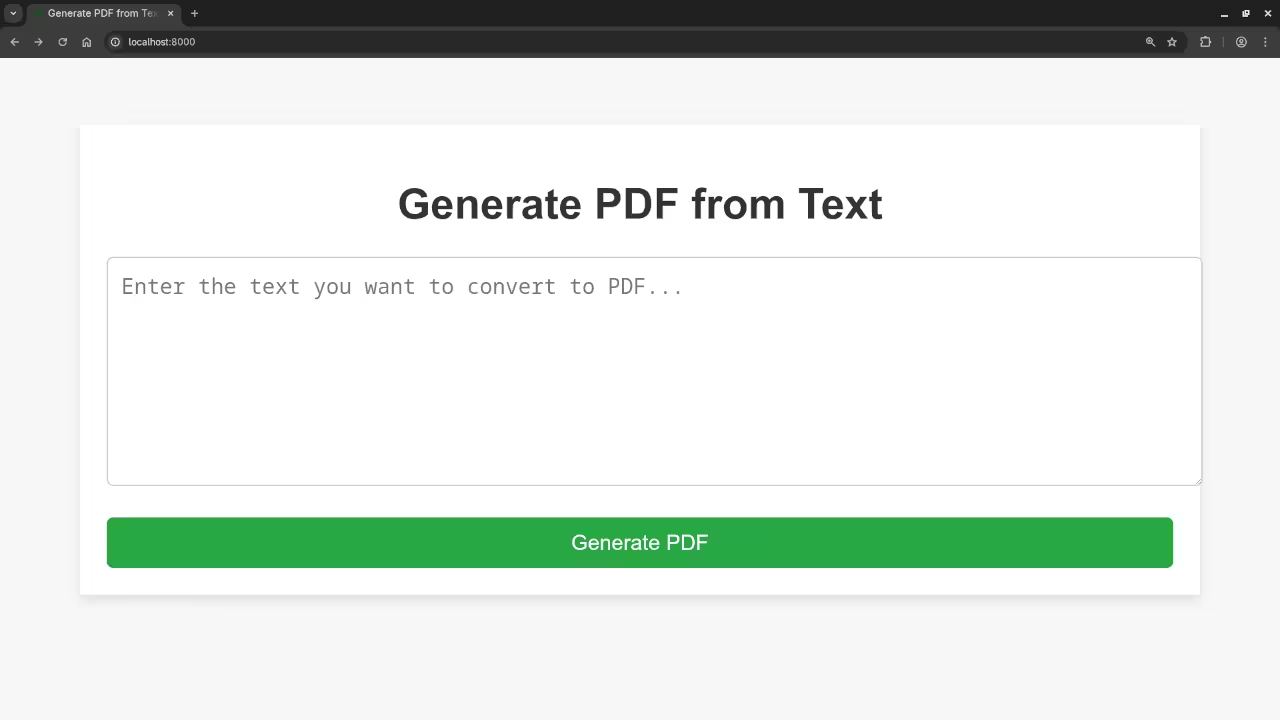
First, we will create a simple HTML5 form where users can input the text they want to convert into a PDF. The form will be styled for a clean and simple user experience.
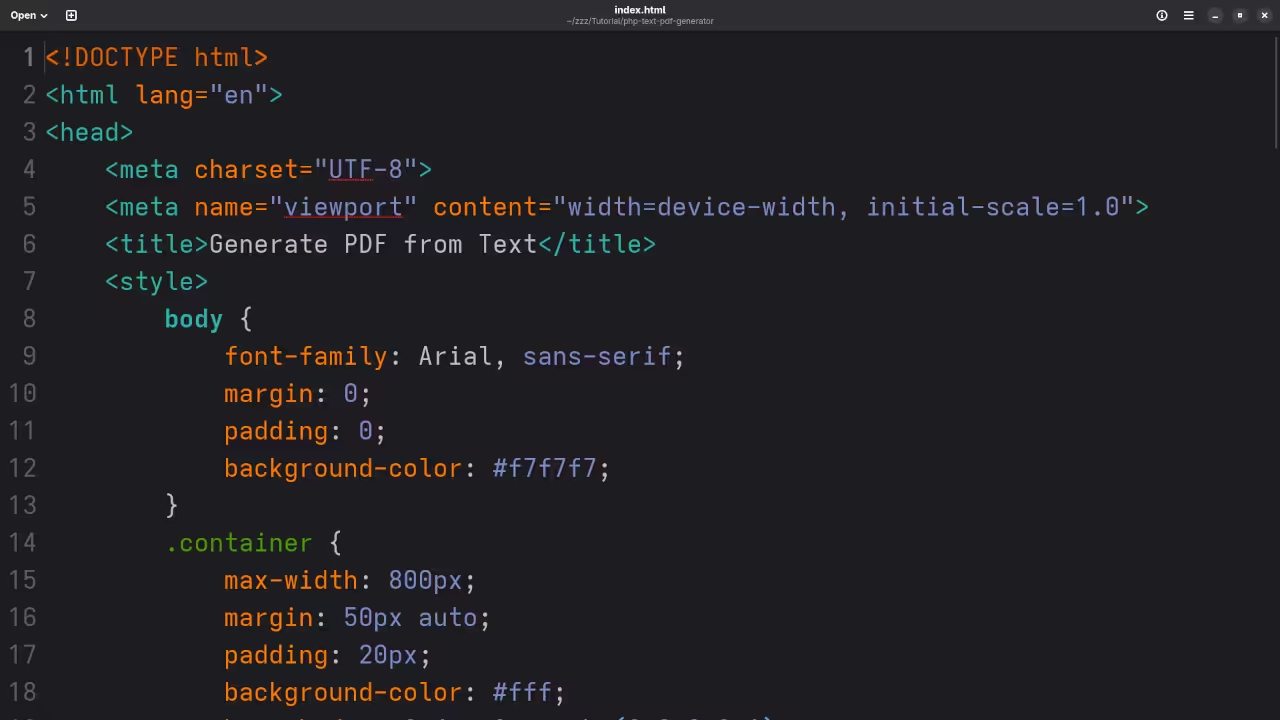
<style>
body {
font-family: Arial, sans-serif;
margin: 0;
padding: 0;
background-color: #f7f7f7;
}
.container {
max-width: 800px;
margin: 50px auto;
padding: 20px;
background-color: #fff;
box-shadow: 0 4px 8px rgba(0,0,0,0.1);
}
h1 {
text-align: center;
color: #333;
}
textarea {
width: 100%;
height: 150px;
padding: 10px;
font-size: 16px;
border: 1px solid #ccc;
margin-bottom: 20px;
border-radius: 5px;
}
button {
background-color: #28a745;
color: white;
padding: 10px 20px;
font-size: 16px;
border: none;
cursor: pointer;
border-radius: 5px;
display: block;
width: 100%;
}
button:hover {
background-color: #218838;
}
#downloadLink {
display: none;
text-align: center;
margin-top: 20px;
}
</style>
<div class="container">
<h1>Generate PDF from Text</h1>
<form id="pdfForm">
<textarea id="inputText" placeholder="Enter the text you want to convert to PDF..."></textarea>
<button type="submit">Generate PDF</button>
</form>
<div id="downloadLink">
<a href="#" id="pdfDownload" download>Download PDF</a>
</div>
</div>
<script>
document.getElementById('pdfForm').addEventListener('submit', async function(e) {
e.preventDefault();
const text = document.getElementById('inputText').value;
// Sending data to PHP to generate PDF
const response = await fetch('generate_pdf.php', {
method: 'POST',
headers: { 'Content-Type': 'application/json' },
body: JSON.stringify({ text })
});
const data = await response.json();
if (data.success) {
// Show the download link
const pdfLink = document.getElementById('pdfDownload');
pdfLink.href = data.pdf_url;
document.getElementById('downloadLink').style.display = 'block';
}
});
</script>
Step 2: PHP Script to Generate the PDF
Now we need a PHP script that receives the input text, creates a PDF, and returns a link to download the file.
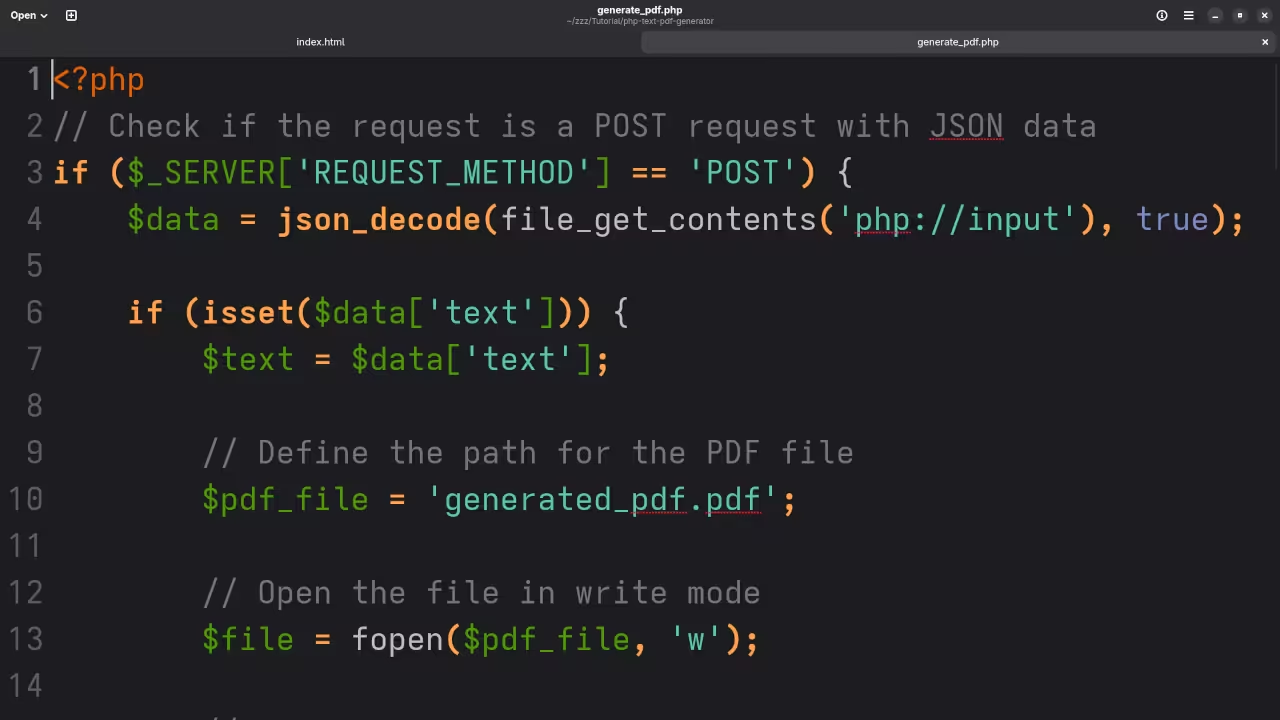
// Check if the request is a POST request with JSON data
if ($_SERVER['REQUEST_METHOD'] == 'POST') {
$data = json_decode(file_get_contents('php://input'), true);
if (isset($data['text'])) {
$text = $data['text'];
// Define the path for the PDF file
$pdf_file = 'generated_pdf.pdf';
// Open the file in write mode
$file = fopen($pdf_file, 'w');
// Write the raw PDF content
fwrite($file, "%PDF-1.4\n");
fwrite($file, "1 0 obj\n");
fwrite($file, "<< /Type /Catalog /Pages 2 0 R >>\n");
fwrite($file, "endobj\n");
fwrite($file, "2 0 obj\n");
fwrite($file, "<< /Type /Pages /Kids [3 0 R] /Count 1 >>\n");
fwrite($file, "endobj\n");
fwrite($file, "3 0 obj\n");
fwrite($file, "<< /Type /Page /Parent 2 0 R /Resources << /Font << /F1 4 0 R >> >> /MediaBox [0 0 300 300] /Contents 5 0 R >>\n");
fwrite($file, "endobj\n");
fwrite($file, "4 0 obj\n");
fwrite($file, "<< /Type /Font /Subtype /Type1 /BaseFont /Helvetica >>\n");
fwrite($file, "endobj\n");
fwrite($file, "5 0 obj\n");
fwrite($file, "<< /Length " . (strlen($text) + 44) . " >>\n");
fwrite($file, "stream\n");
fwrite($file, "BT\n");
fwrite($file, "/F1 12 Tf\n");
fwrite($file, "100 250 Td\n");
fwrite($file, "($text) Tj\n");
fwrite($file, "ET\n");
fwrite($file, "endstream\n");
fwrite($file, "endobj\n");
// Cross-reference table and trailer (same as before)
fwrite($file, "xref\n");
fwrite($file, "0 6\n");
fwrite($file, "0000000000 65535 f \n");
fwrite($file, "0000000010 00000 n \n");
fwrite($file, "0000000079 00000 n \n");
fwrite($file, "0000000172 00000 n \n");
fwrite($file, "0000000275 00000 n \n");
fwrite($file, "0000000364 00000 n \n");
fwrite($file, "trailer\n");
fwrite($file, "<< /Size 6 /Root 1 0 R >>\n");
fwrite($file, "startxref\n");
fwrite($file, "474\n");
fwrite($file, "%%EOF\n");
// Close the file
fclose($file);
// Return the file URL in JSON format
echo json_encode([
'success' => true,
'pdf_url' => $pdf_file
]);
} else {
echo json_encode(['success' => false, 'message' => 'No text provided']);
}
} else {
echo json_encode(['success' => false, 'message' => 'Invalid request']);
}
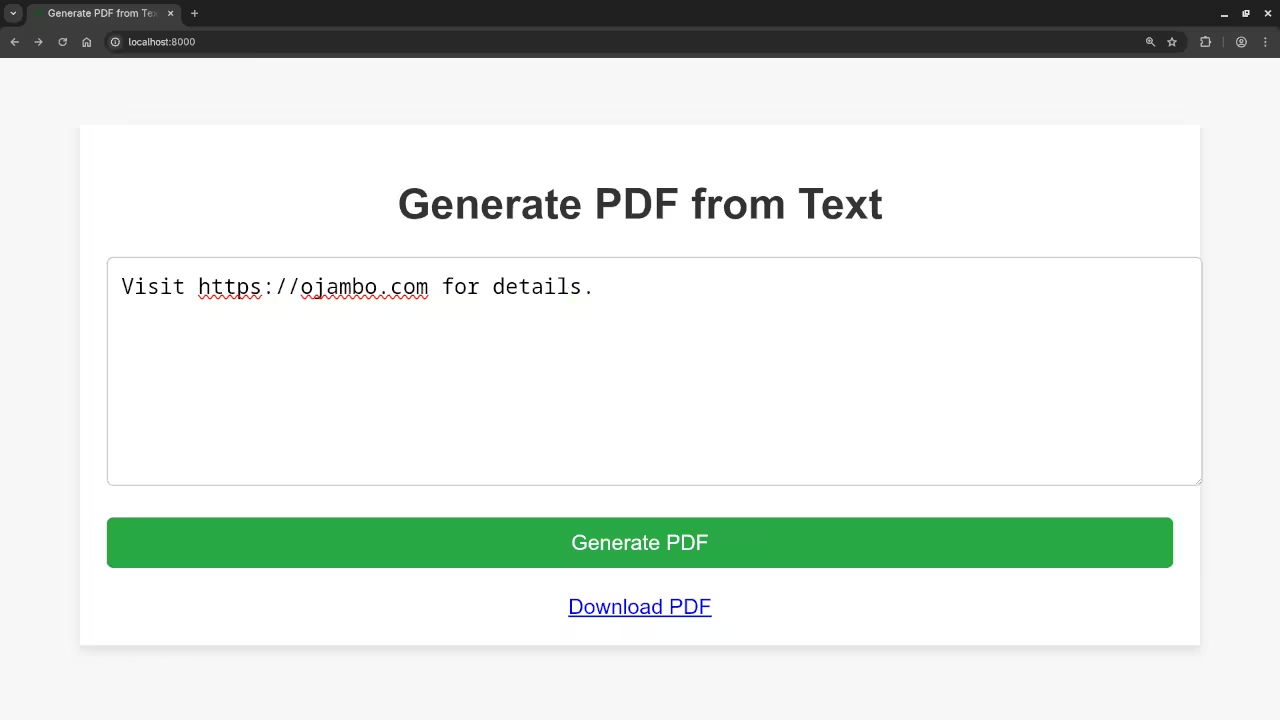
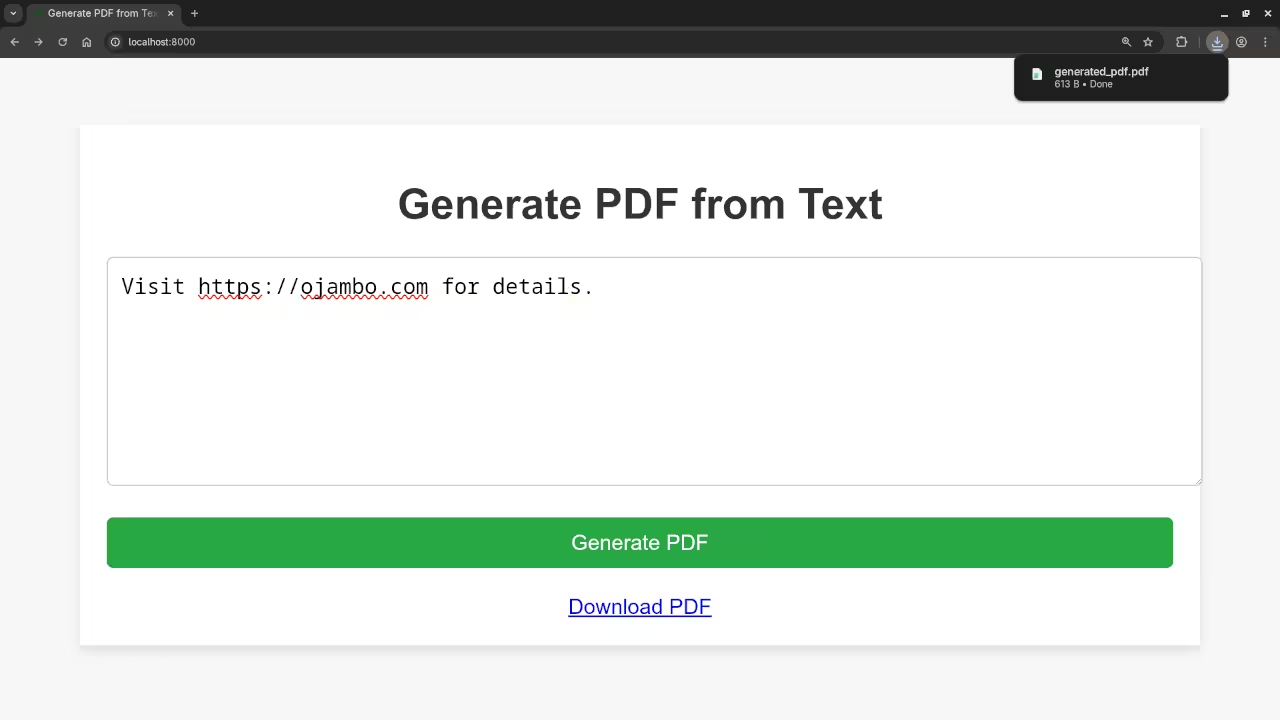
Step 3: Add Screenshots and YouTube Video
Screenshots And Screencast
Step 4: Promote Your Book and Course
If you enjoyed this tutorial, you will love my book, Learning PHP, where I go deeper into PHP programming concepts and much more.
Additionally, check out my comprehensive Learning PHP Course, perfect for beginners who want to become proficient in PHP.
Step 5: One-on-One PHP Tutorials
Are you looking to take your PHP skills to the next level? I offer one-on-one programming tutorials and can assist with updating or migrating your PHP applications. Contact me today to schedule a session.
That’s all for today’s tutorial! Thanks for reading, and happy coding!
🚀 Recommended Resources
Disclosure: Some of the links above are referral links. I may earn a commission if you make a purchase at no extra cost to you.