
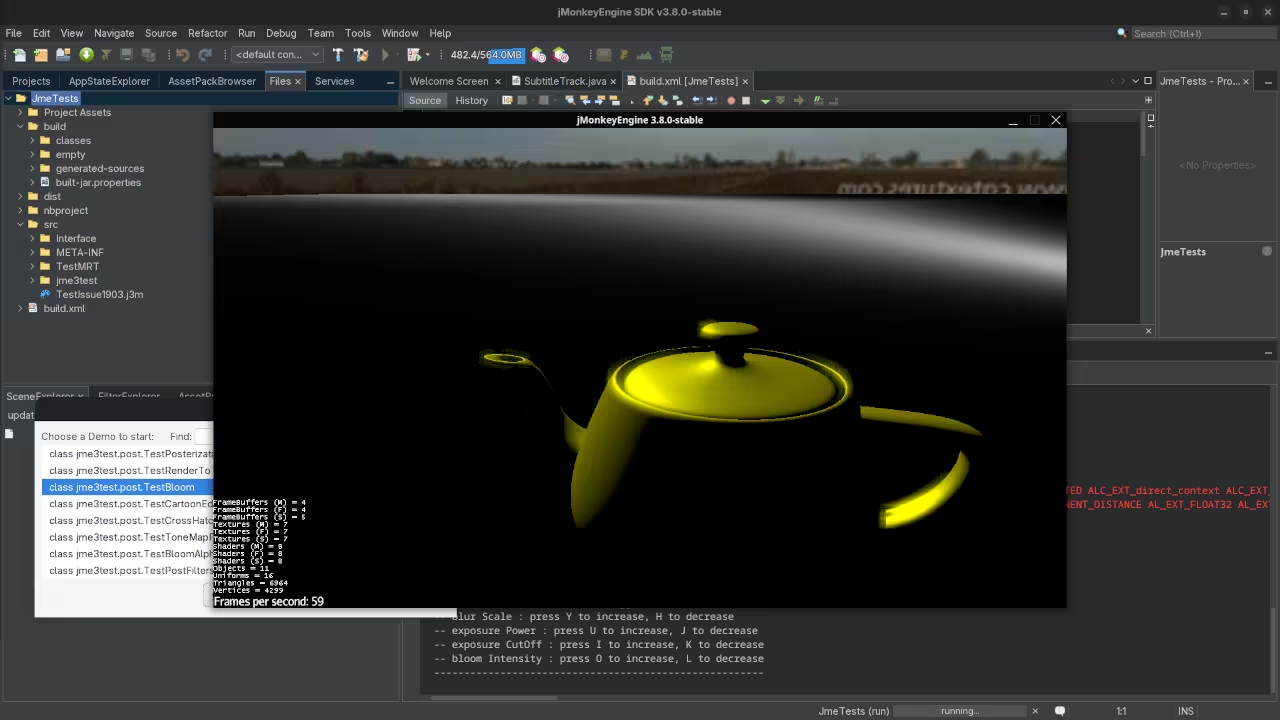
Getting Started with JMonkeyEngine on Fedora Linux
JMonkeyEngine (JME) is a free open source 3D game engine written in Java. It is licensed under the BSD 3-Clause License which allows you to use modify and distribute the engine with minimal restrictions.
License
| License | Type | Key Permissions |
|---|---|---|
| BSD 3-Clause | Permissive open source | Commercial use modification distribution private use |
Installing JMonkeyEngine
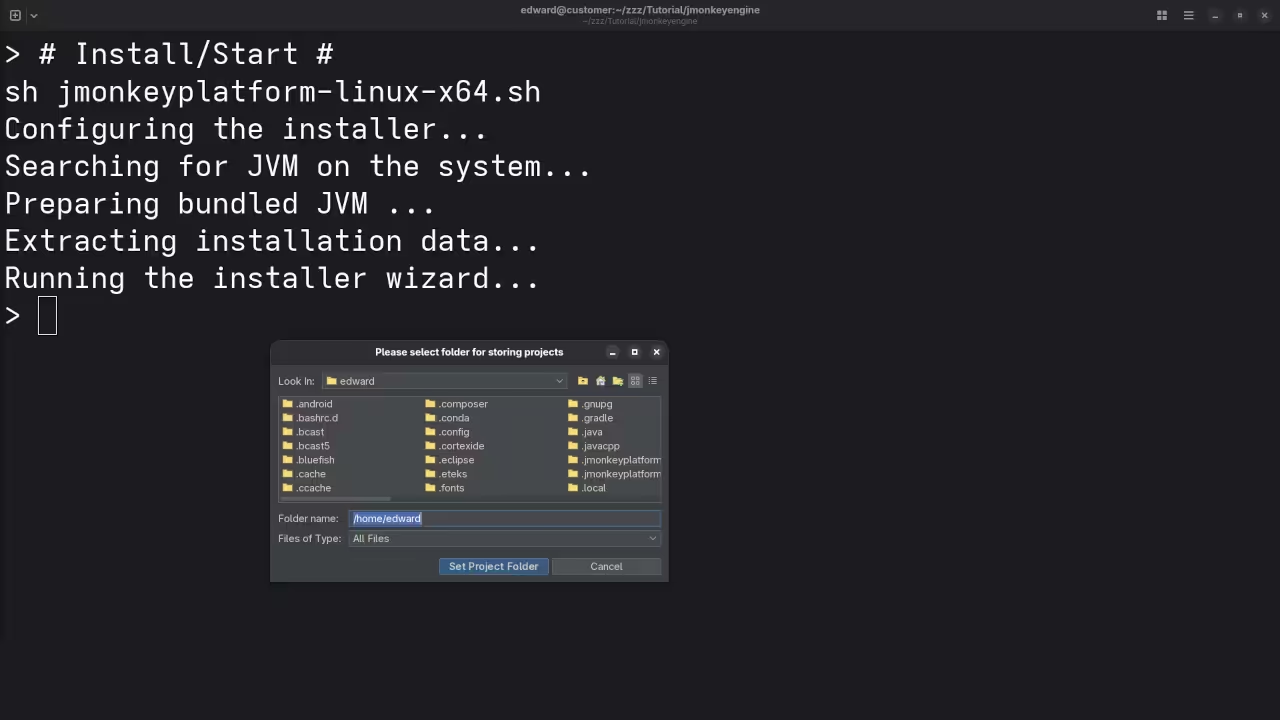
Fedora Linux
# Enable the RPM Fusion free repository (if not already enabled)
sudo dnf install https://download1.rpmfusion.org/free/fedora/rpmfusion-free-release-$(rpm -E %fedora).noarch.rpm
# Install Java (OpenJDK 11 or newer)
sudo dnf install java-11-openjdk-devel
# Download the latest JME SDK zip from https://github.com/jMonkeyEngine/sdk/releases
wget https://github.com/jMonkeyEngine/sdk/releases/download/v3.8.0/jmonkeyplatform-3.8.0.zip
# Unzip to your home directory
unzip jmonkeyplatform-3.8.0.zip -d ~/jmonkeyengine
# Make the launcher executable
chmod +x ~/jmonkeyengine/jmonkeyplatform
# Run the SDK
~/jmonkeyengine/jmonkeyplatform Maven Gradle (custom projects)
# Example Maven dependency (add to pom.xml)
<dependency>
<groupId>org.jmonkeyengine</groupId>
<artifactId>jme3-core</artifactId>
<version>3.8.0-stable</version>
</dependency> Other Platforms
| Platform | Steps |
|---|---|
| Windows | Install Java download the SDK zip unzip run jmonkeyplatform.exe |
| macOS | Install Homebrew brew install openjdk@11 download SDK unzip run jmonkeyplatform.app |
| Ubuntu Debian | sudo apt install openjdk-11-jdk download SDK unzip run the launcher script |
First Project Walkthrough (Fedora)
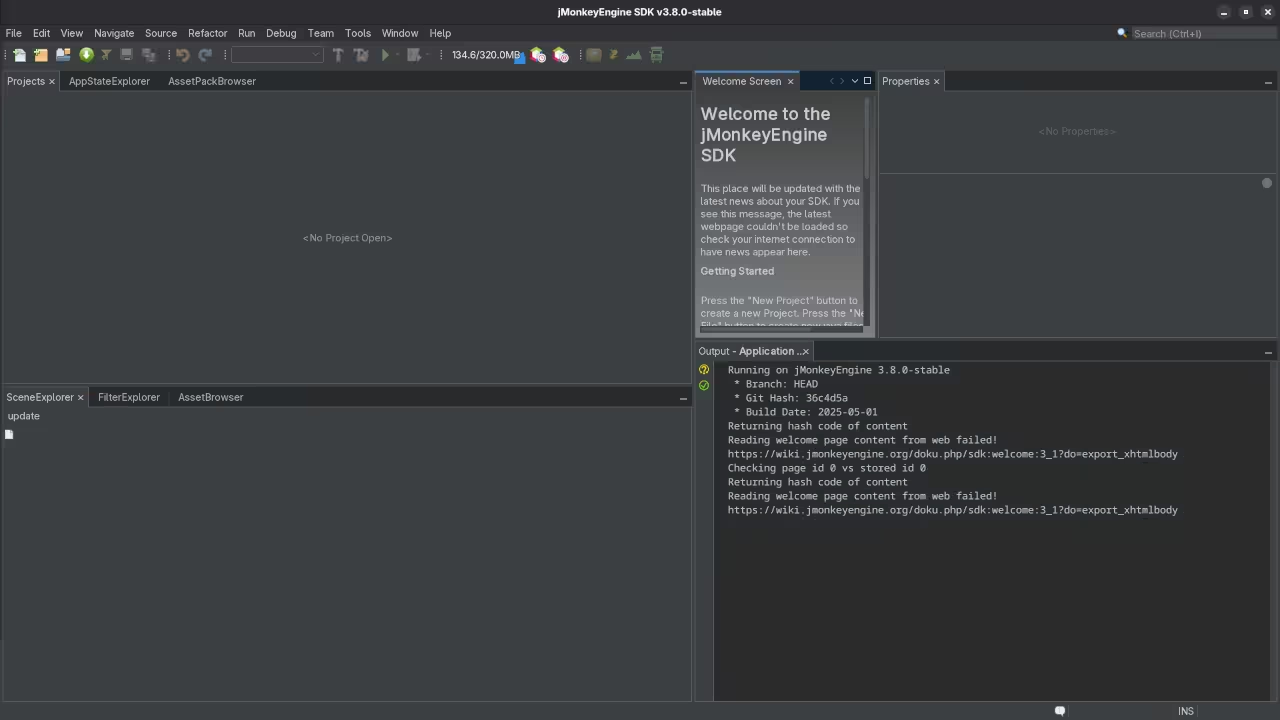
- Open the JME SDK.
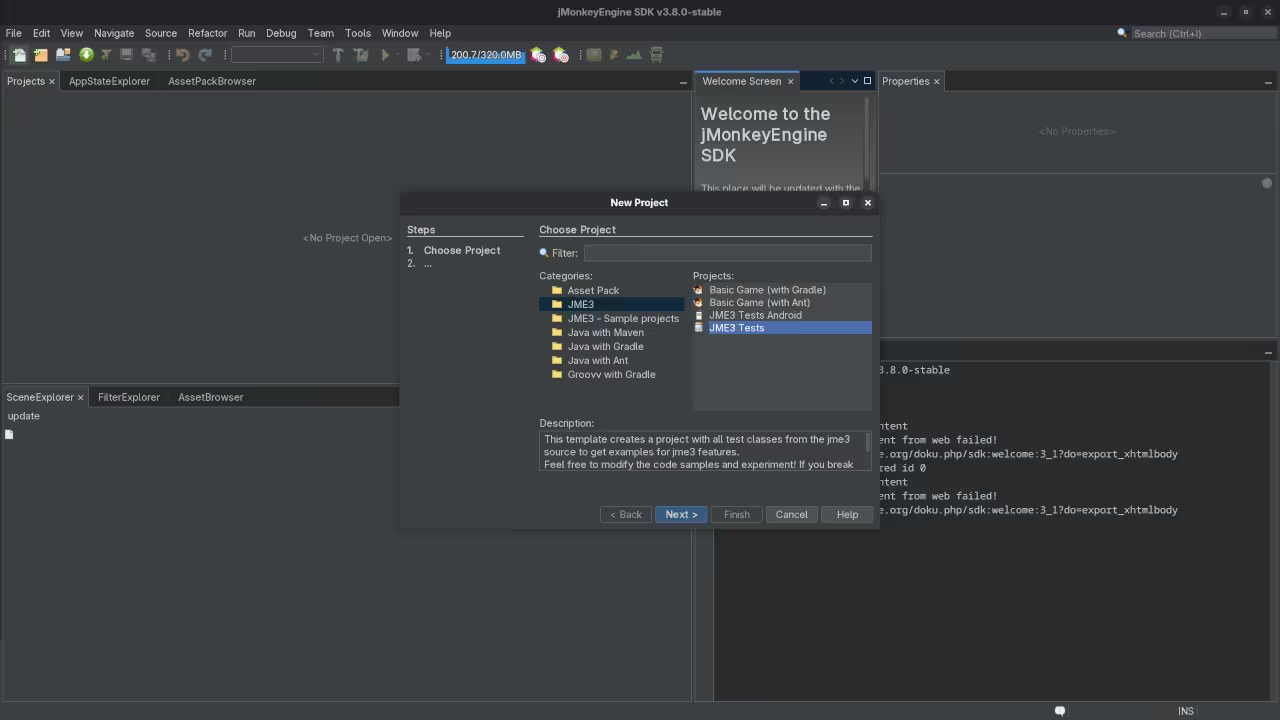
- Choose File > New Project > Basic Game.
- Name the project MyFirstJMEGame and click Finish.
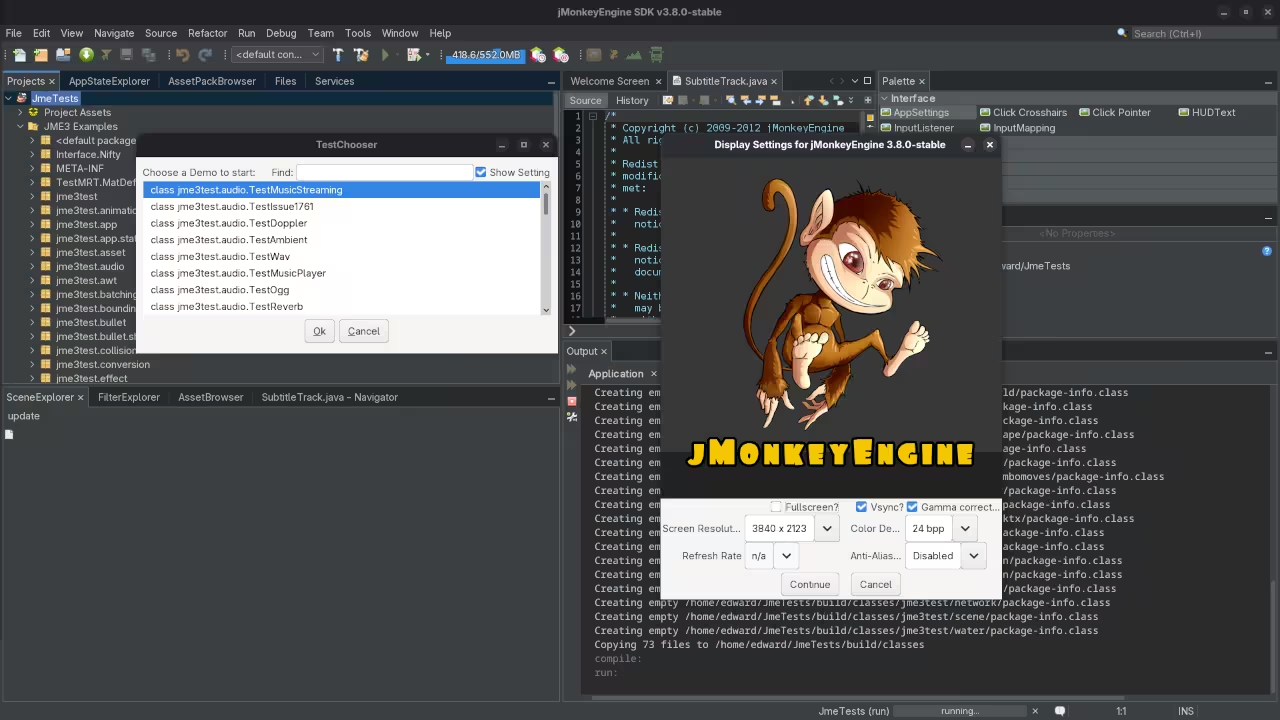
- Press Run (green triangle) to launch the default demo.
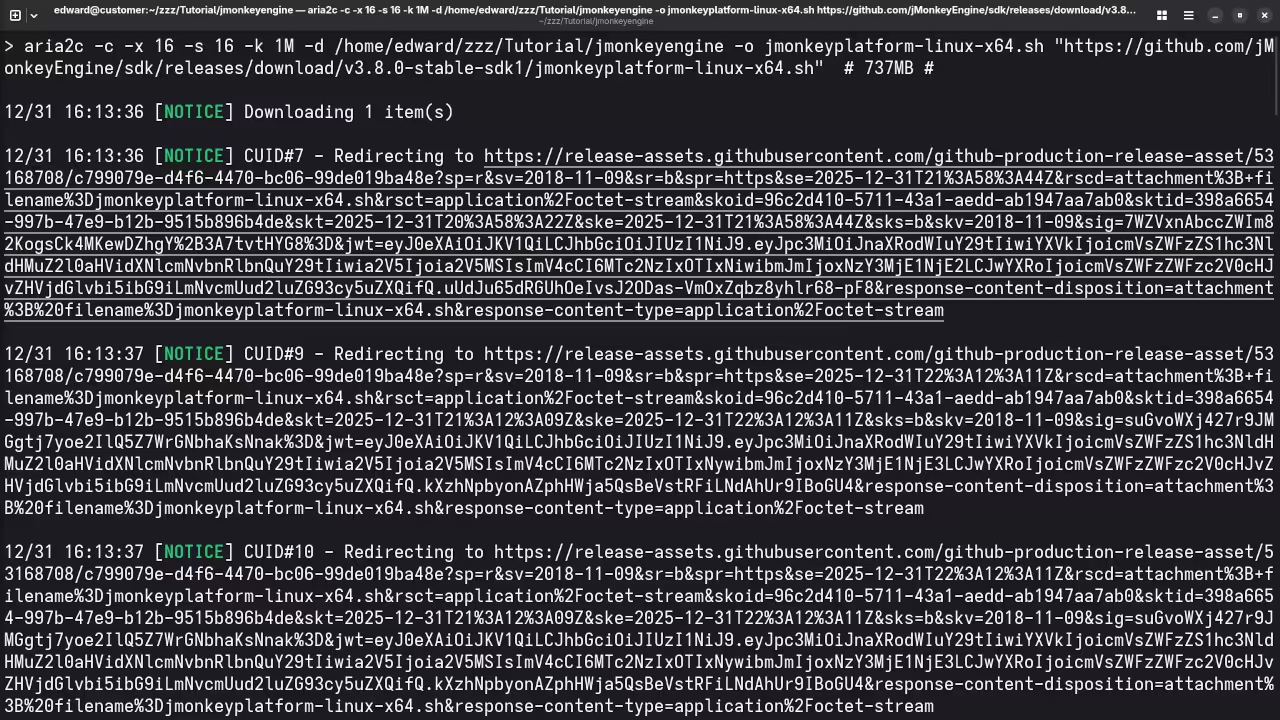
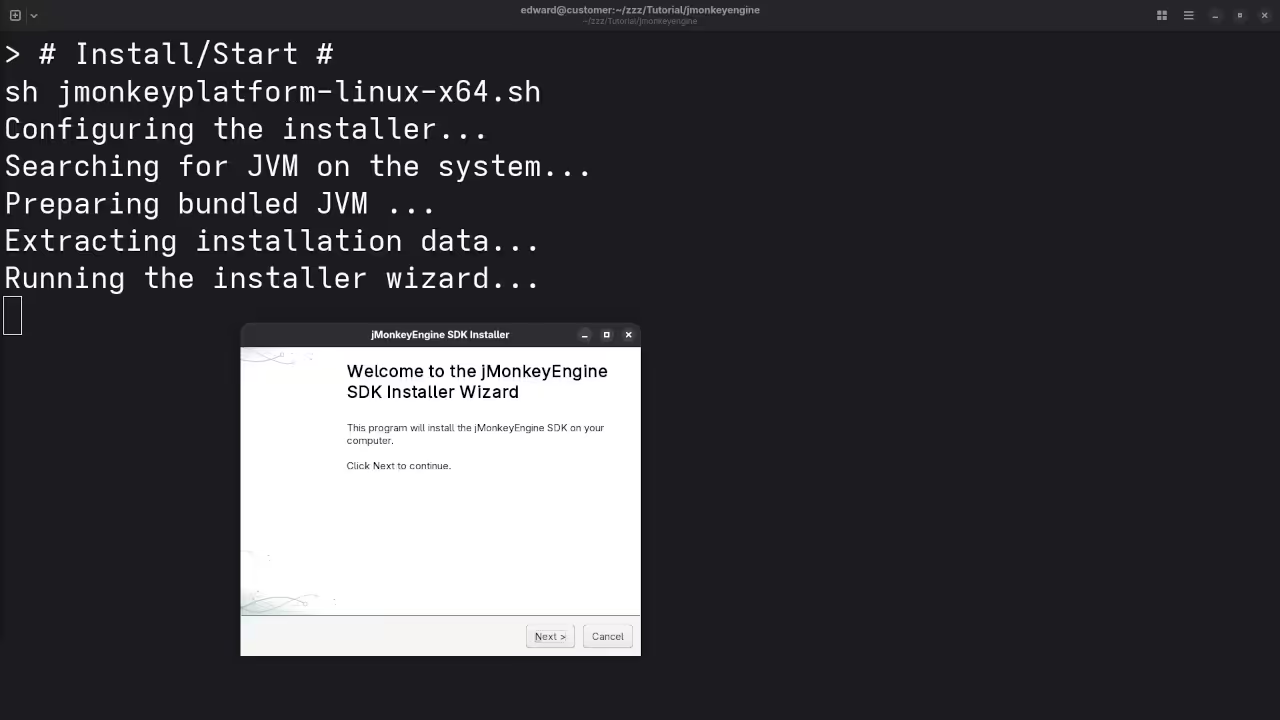
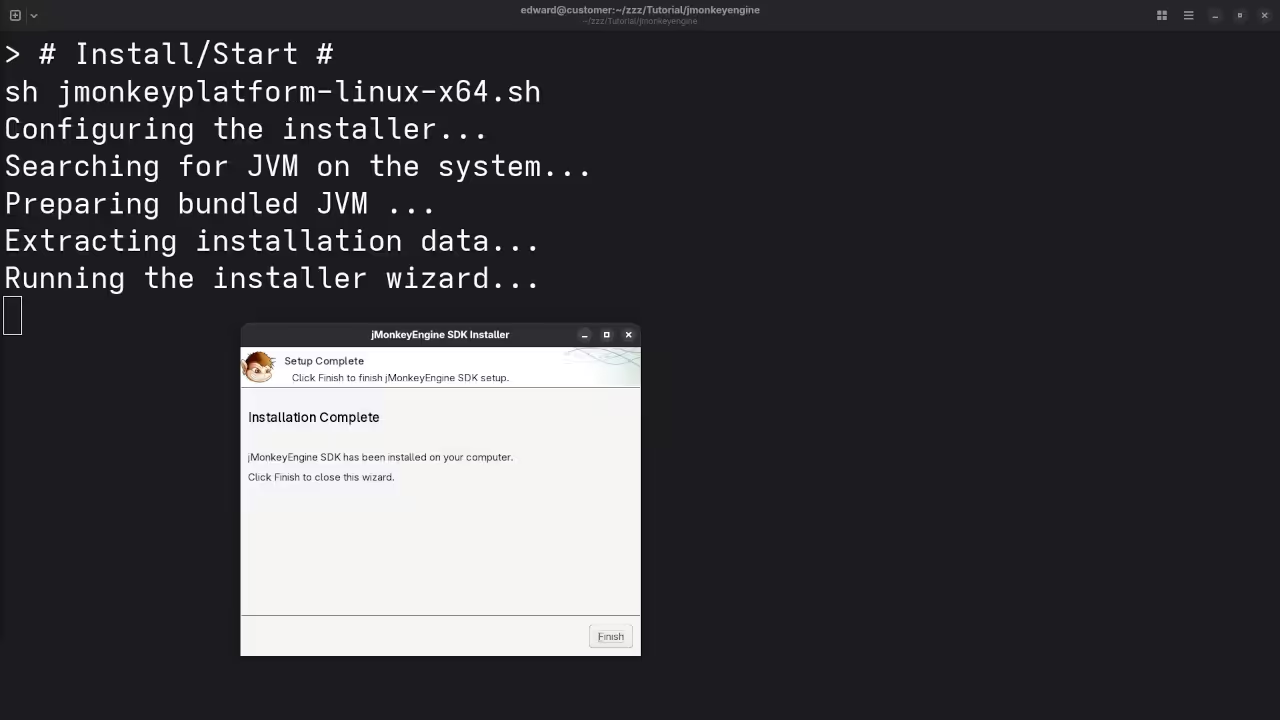
📷 Screenshots
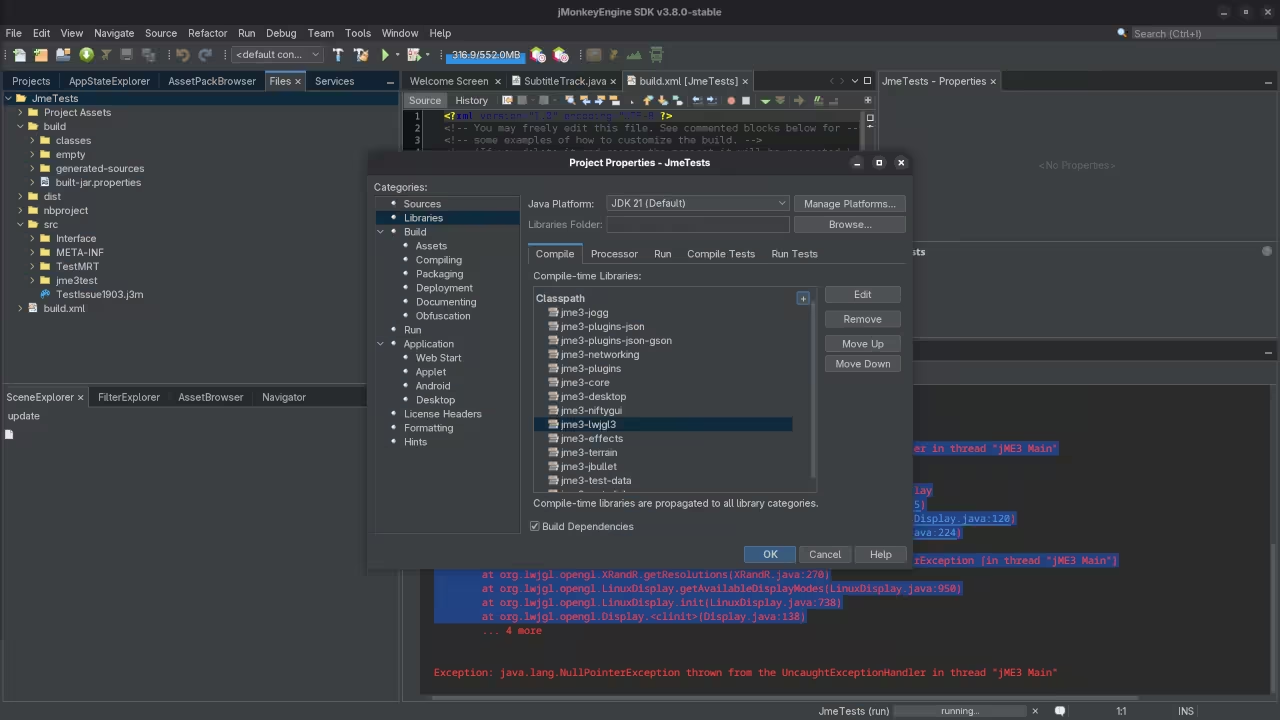
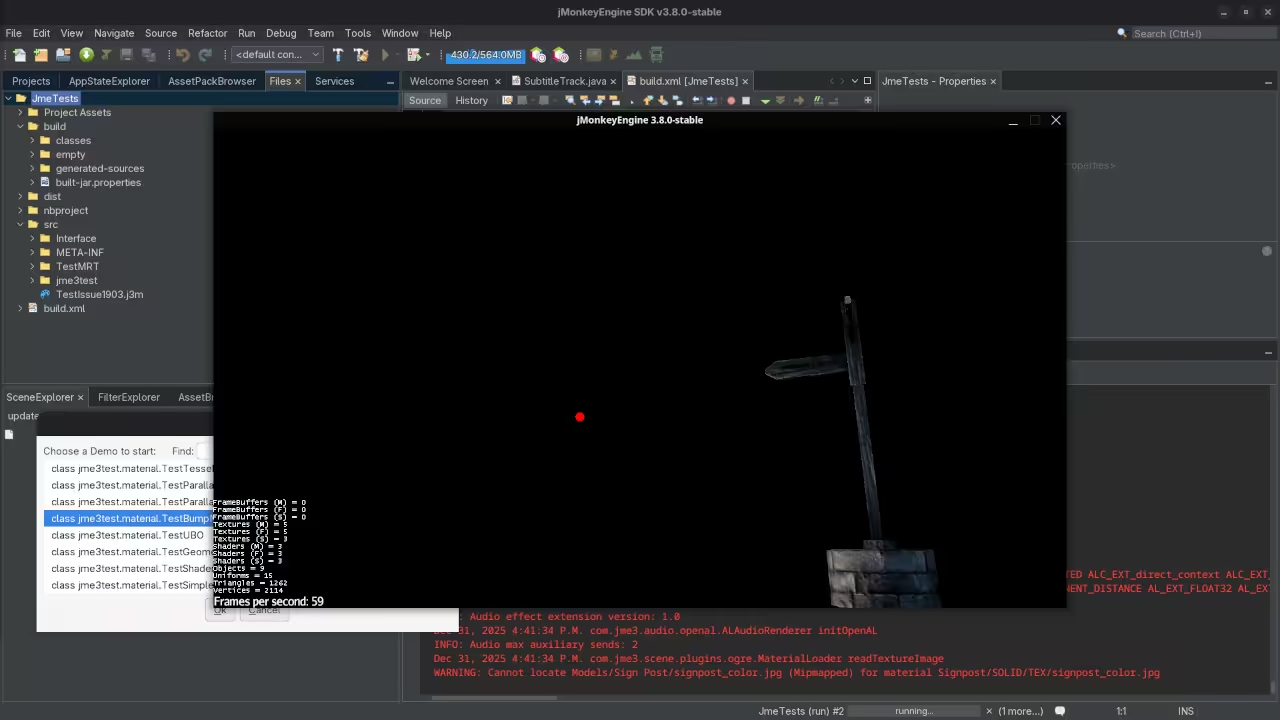
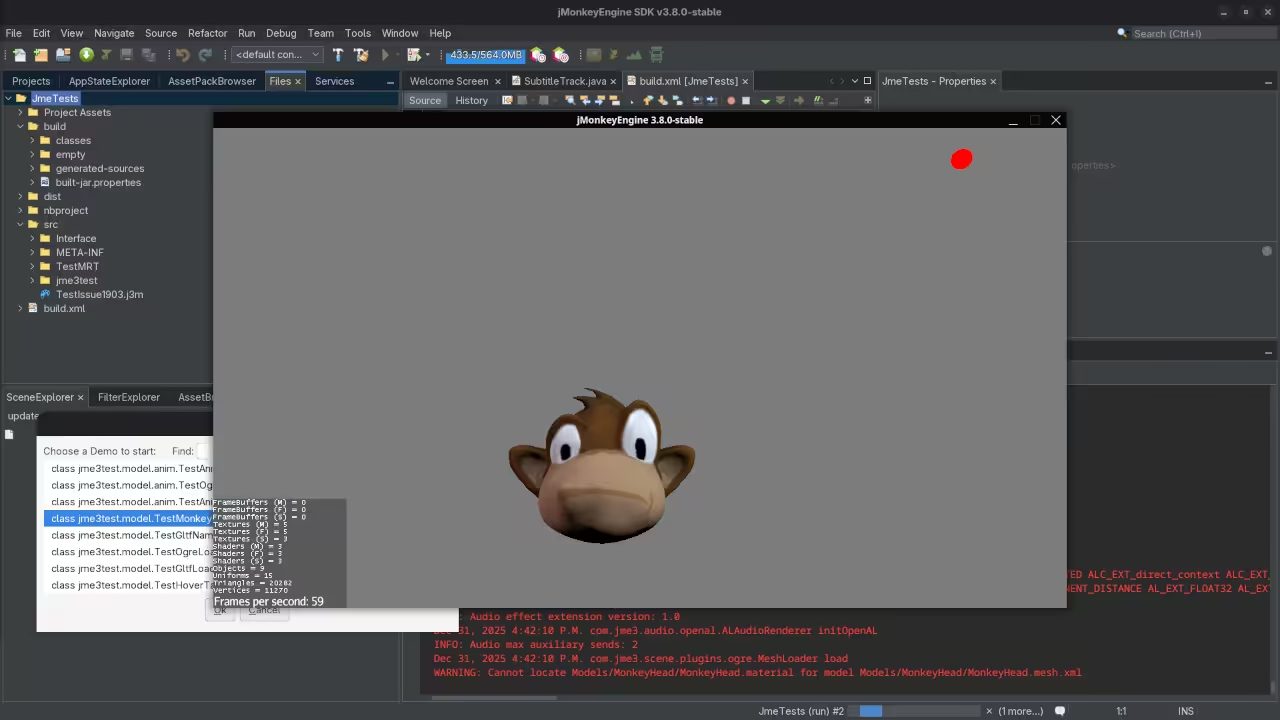
📺 Live Walkthrough (Screencast)
About the Author
I have a collection of programming books available at Amazon Author Store.
Explore my programming courses at Ojambo Shop.
Need one on one online programming tutoring? Book a session via Contact Page.
Looking for JMonkeyEngine installation or migration services? Reach out at Ojambo Services.
🚀 Recommended Resources
Disclosure: Some of the links above are referral links. I may earn a commission if you make a purchase at no extra cost to you.