
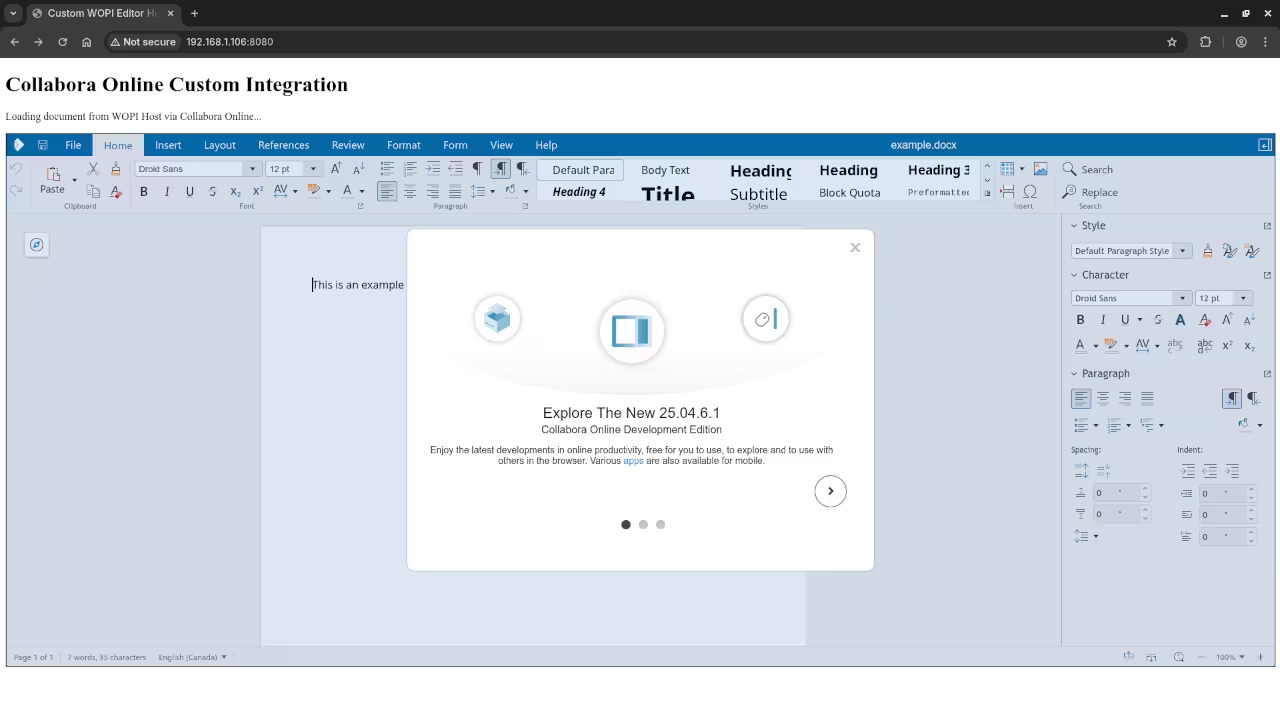
How to Use LibreOffice Online: Open Source Office Suite in Your Browser
If you have ever wanted a private, open-source alternative to Google Docs or Microsoft Office Online, LibreOffice Online is a great choice. It is the web-based version of the popular LibreOffice suite, allowing you to edit documents, spreadsheets, and presentations right from your browser.
In this post, we will go over what LibreOffice Online is, how to install it using Podman or Podman Compose, and where you can get additional help and programming resources.
What is LibreOffice Online?
LibreOffice Online is the cloud version of the LibreOffice suite. It allows users to:
- Create and edit documents, spreadsheets, and presentations directly in the browser
- Collaborate in real-time with multiple users
- Maintain full control over their data (since you can host it yourself)
It is completely open-source, which means anyone can use, modify, and distribute it freely.
Installing LibreOffice Online Using Podman
You can run LibreOffice Online in containers using Podman, a daemonless alternative to Docker.
Here is a basic example setup using Podman Compose. This example uses Collabora CODE, a popular implementation of LibreOffice Online.
Prerequisites: Podman, podman-compose, and a domain name with SSL (optional but recommended for production)
1. Create a Project Folder
mkdir libreoffice-online && cd libreoffice-online 2. Create a podman-compose.yml File
version: "3"
services:
collabora:
image: collabora/code
container_name: libreoffice-online
restart: always
ports:
- "9980:9980"
environment:
- domain=your\\.domain\\.com
- username=admin
- password=securepassword
- extra_params=--o:ssl.enable=false Replace your\\.domain\\.com with the domain you will use.
For testing purposes, --o:ssl.enable=false disables SSL. In production, you should reverse proxy with NGINX and Let’s Encrypt.
3. Start the Service
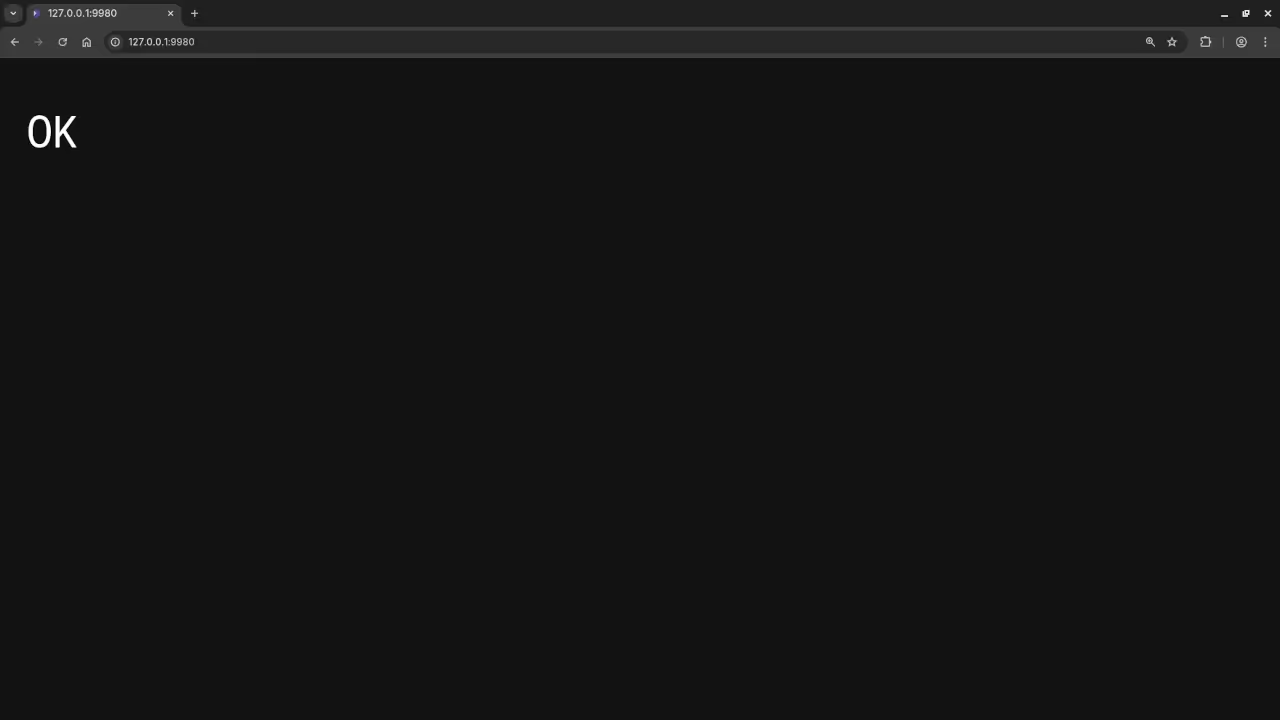
podman-compose up -d LibreOffice Online should now be running at:
http://localhost:9980
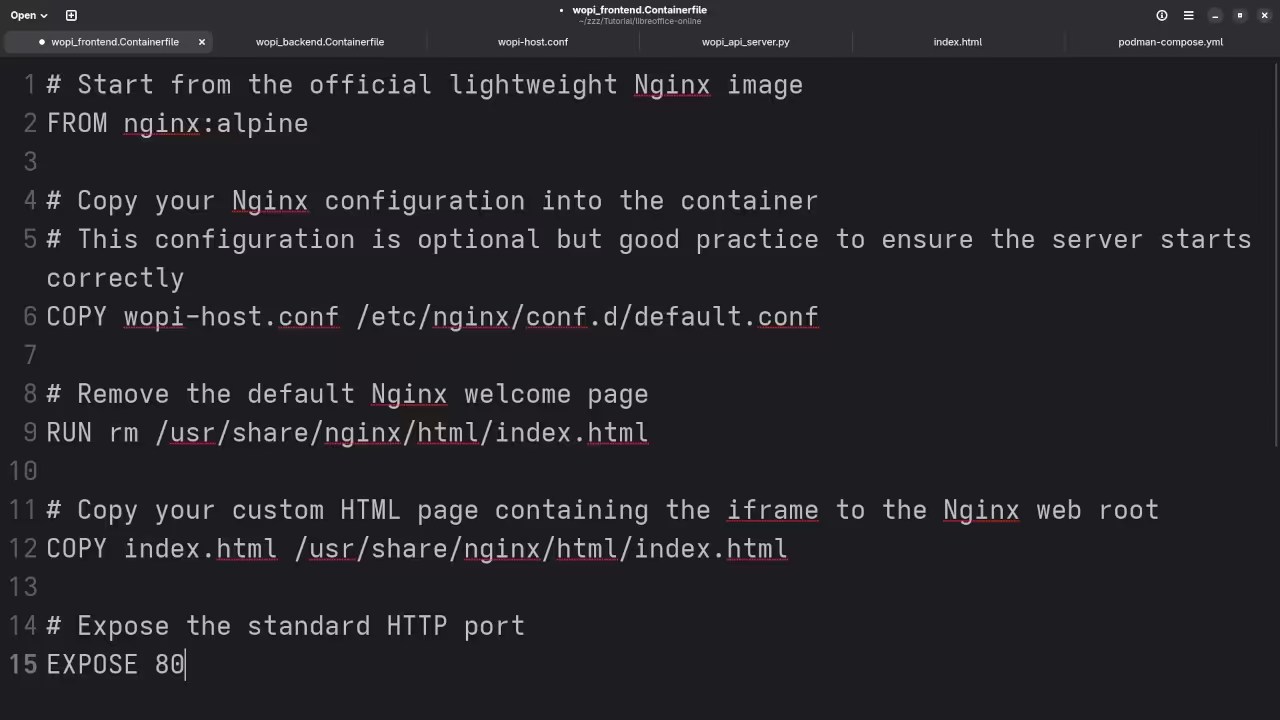
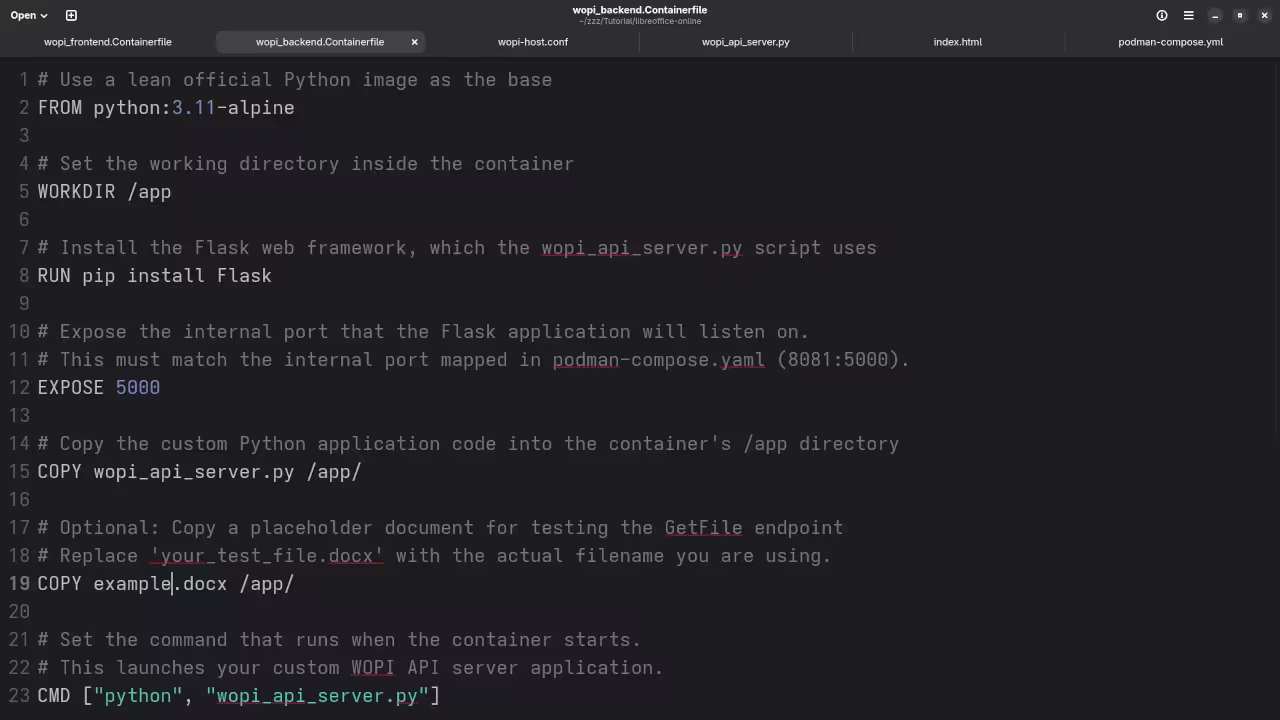
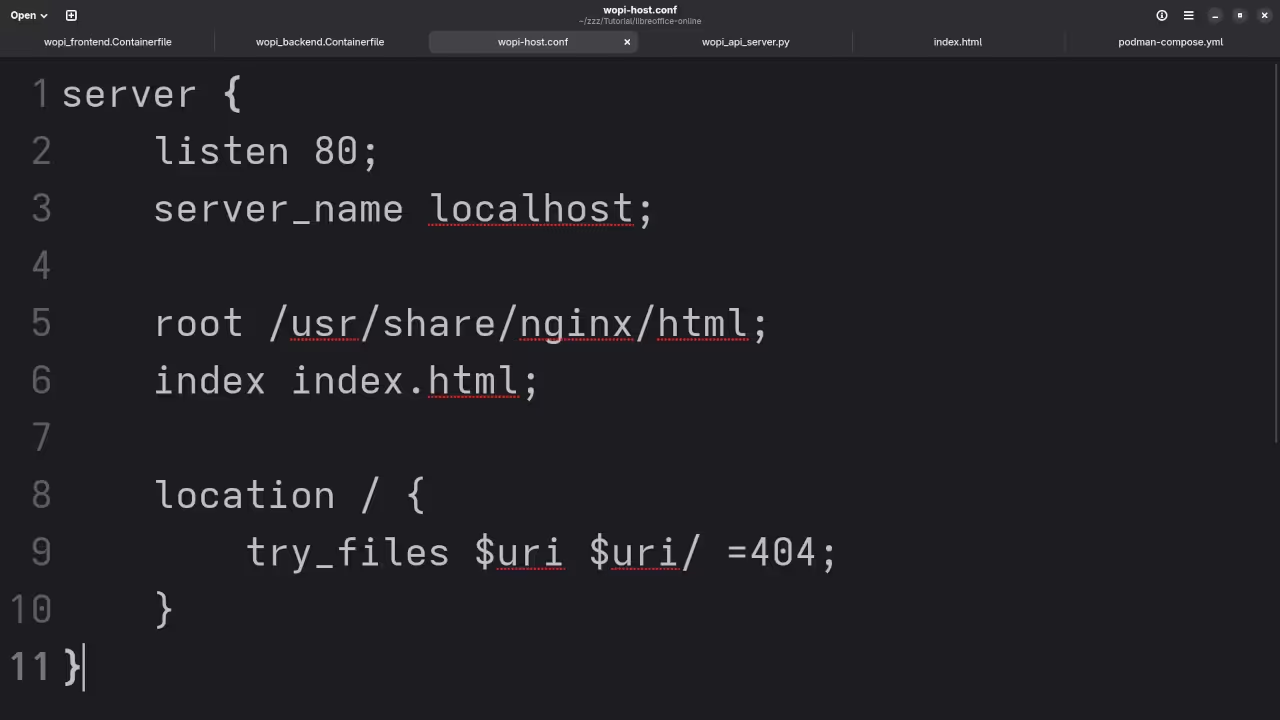
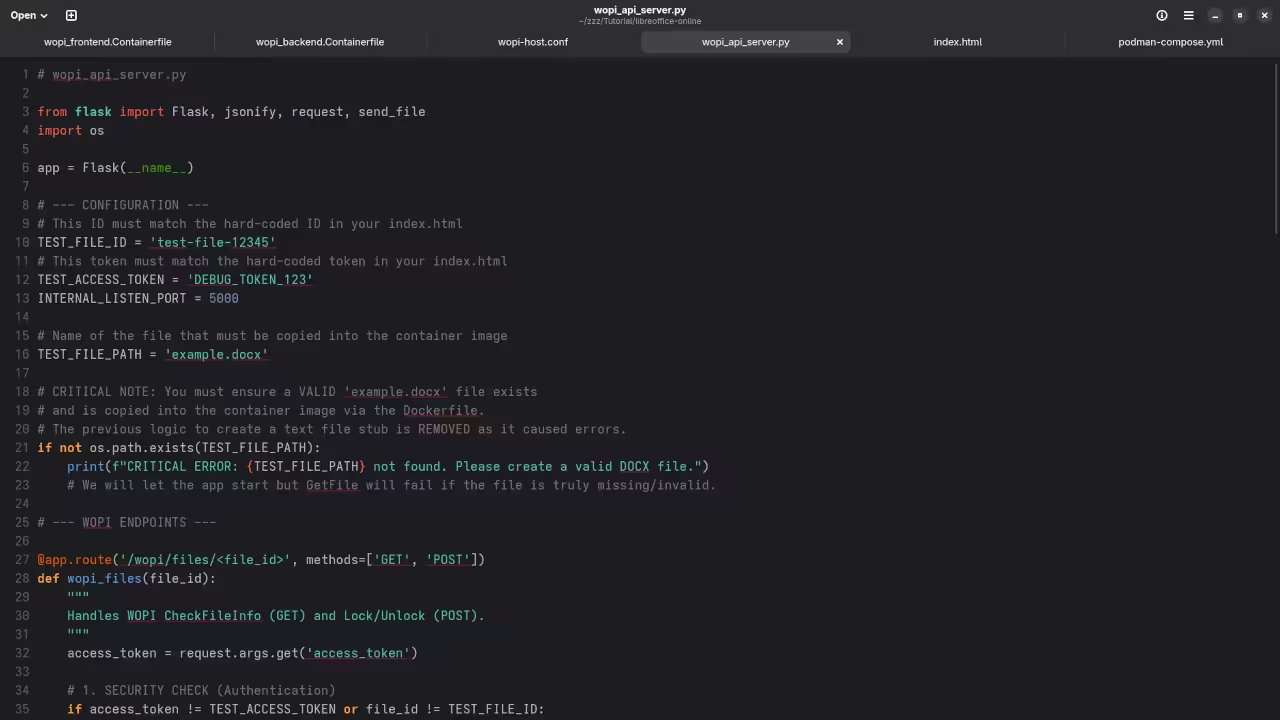
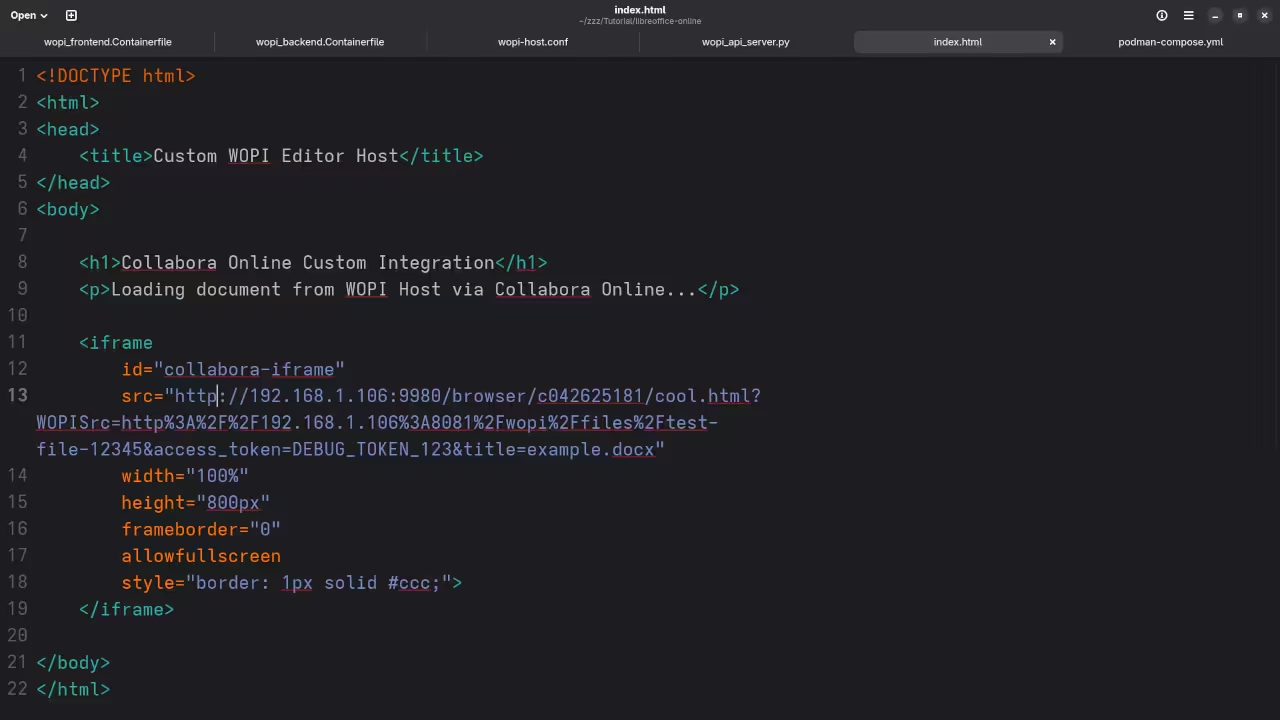
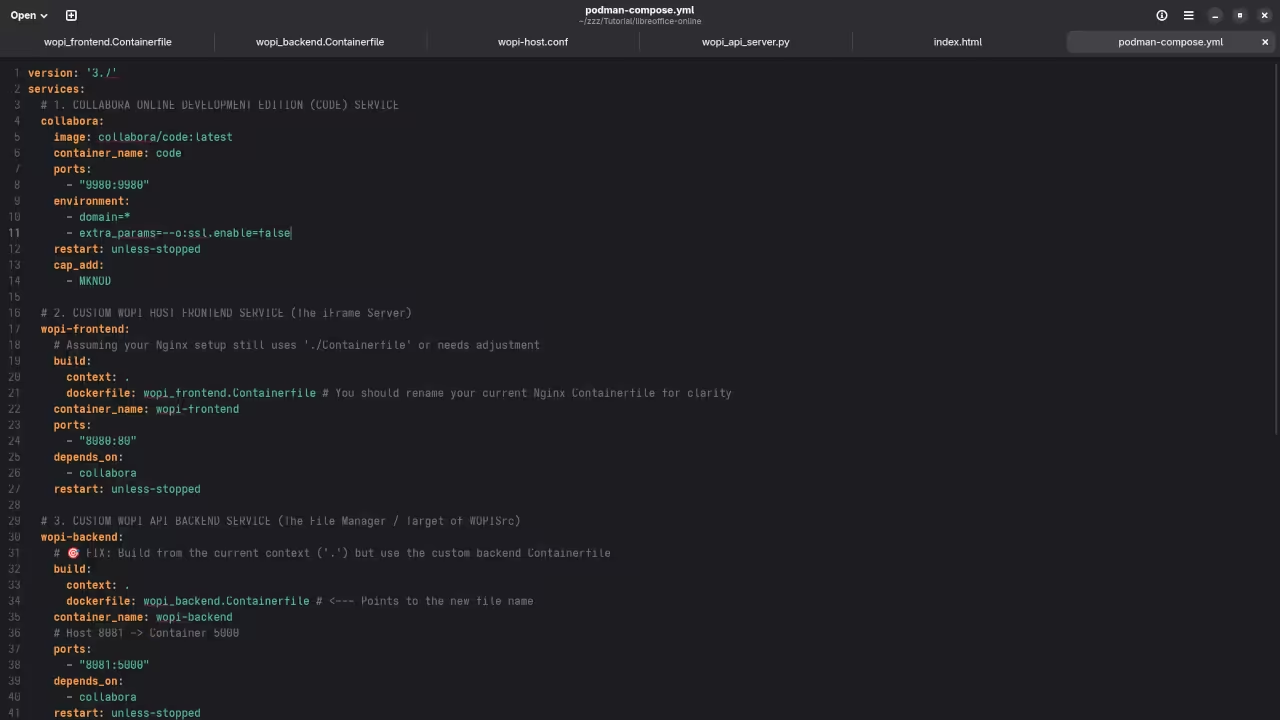
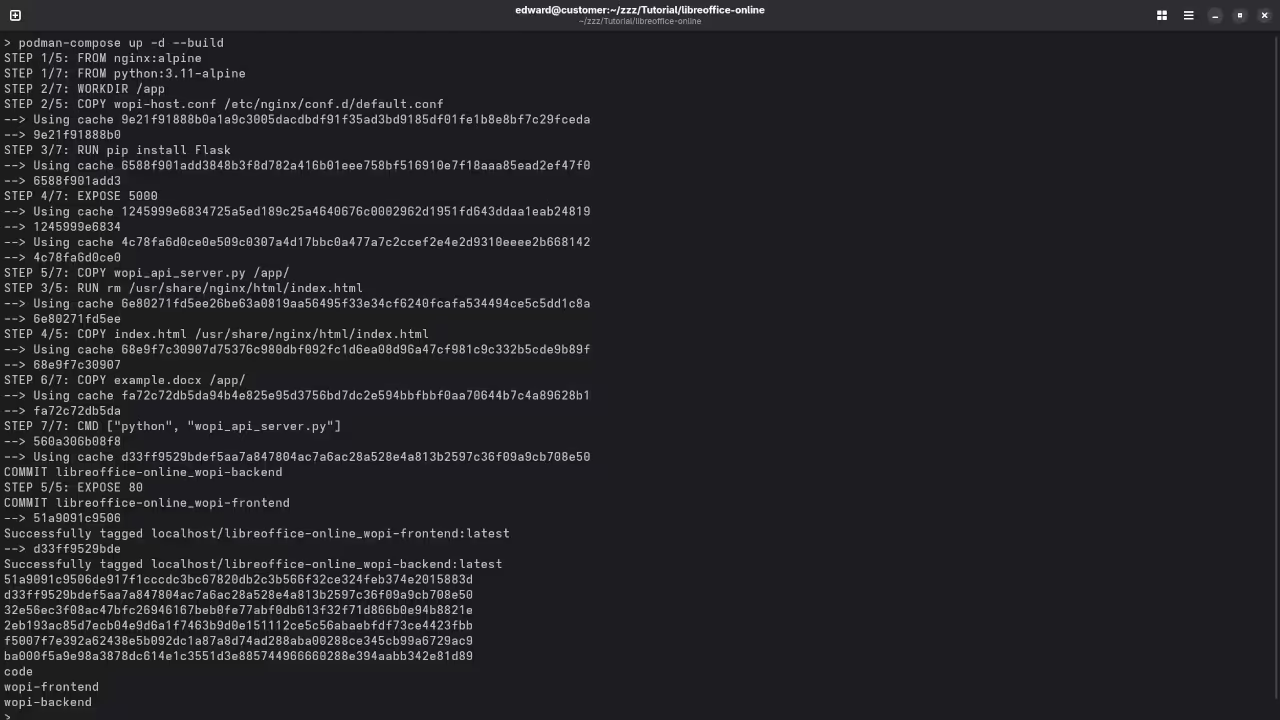
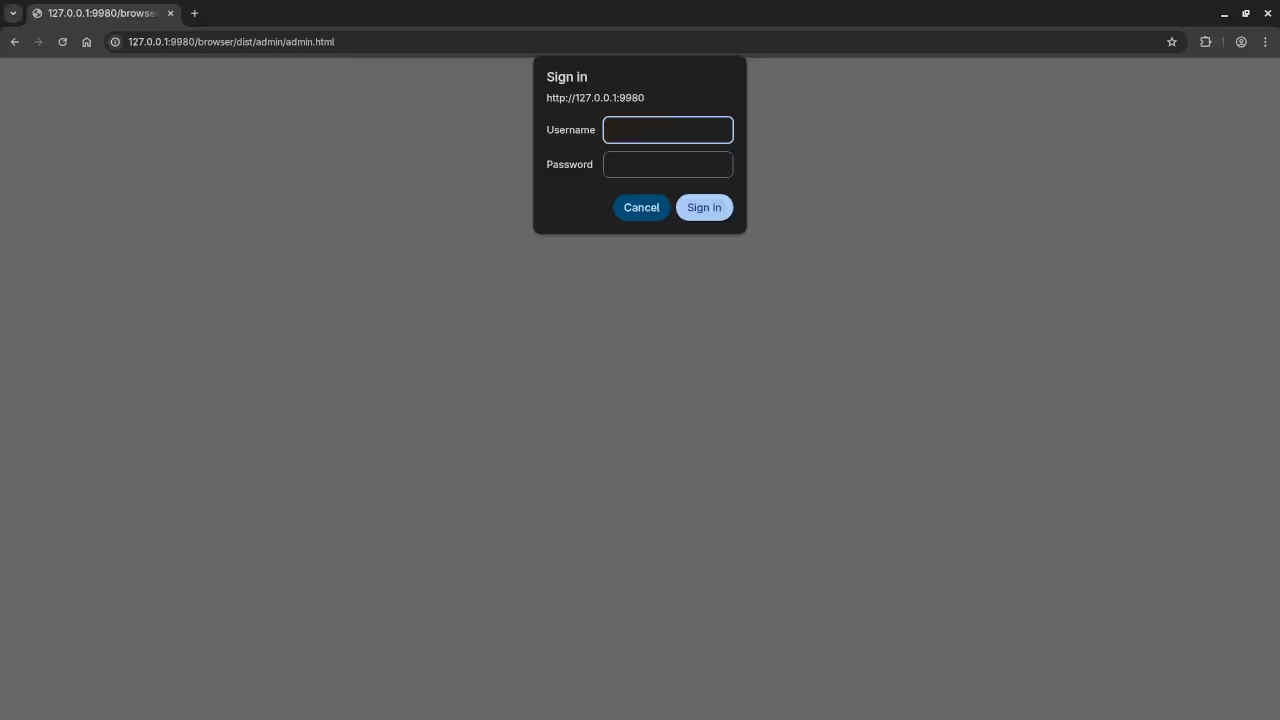
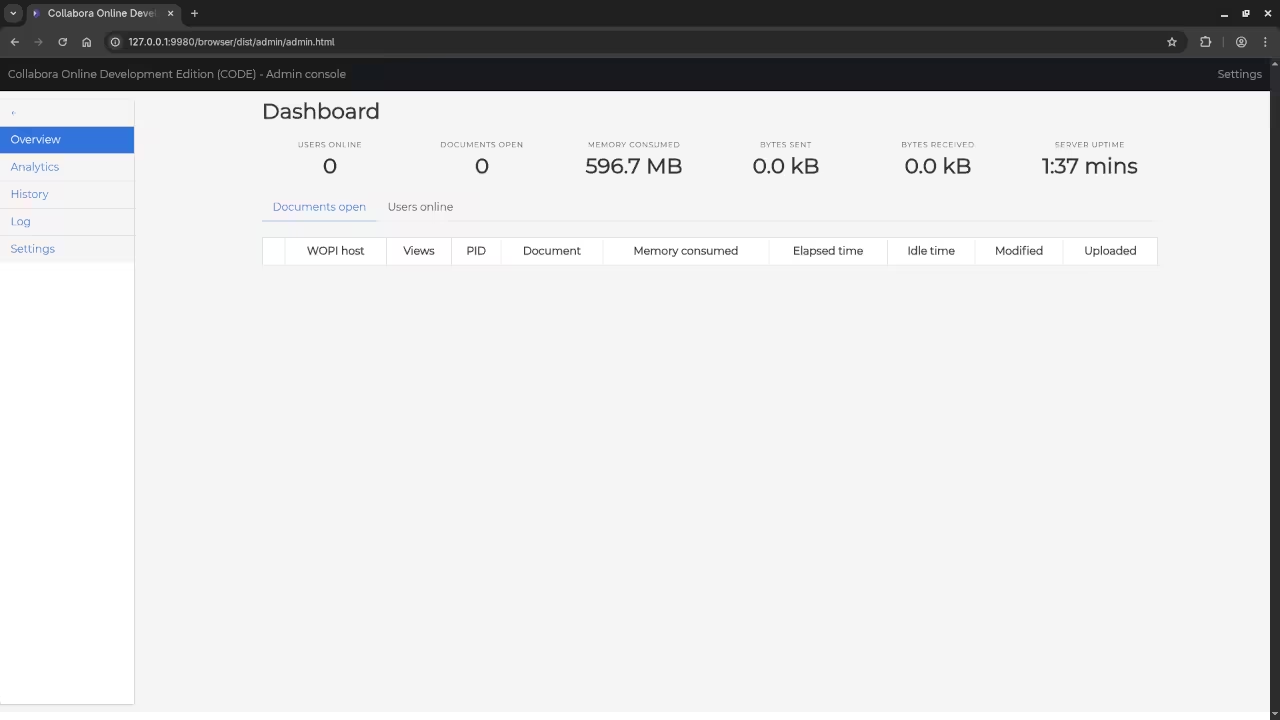
📷 Screenshots & 📽️ Screencast

More Resources from Edward Ojambo
I have written and recorded several programming tutorials and courses that can help you learn and grow as a developer:
- My Programming Books on Amazon:
https://www.amazon.com/stores/Edward-Ojambo/author/B0D94QM76N - Online Programming Courses:
https://ojamboshop.com/product-category/course - One-on-One Programming Tutorials:
I am available for personal tutoring sessions.
https://ojambo.com/contact - LibreOffice Online Setup or Migration Help:
Need help installing LibreOffice Online or migrating its repositories?
https://ojamboservices.com/contact
Final Thoughts
LibreOffice Online is a powerful tool for anyone who wants control over their online document editing. Using Podman, you can set it up in minutes and begin editing documents securely in your own environment.
Whether you are learning to code, managing your own server, or just curious about self-hosting, LibreOffice Online is a great addition to your toolkit.
🚀 Recommended Resources
Disclosure: Some of the links above are referral links. I may earn a commission if you make a purchase at no extra cost to you.